Photoshop is a powerful creative tool that people use for editing images, designing visuals, and shaping digital artwork with precision. It allows users to transform simple photos into polished, professional looking designs. Over time, Photoshop has become a trusted choice for designers, photographers, and content creators who want full control over their visual work. It helps users adjust colors, remove imperfections, and build creative compositions that look clean and attractive. The flexibility of Photoshop makes it useful for both beginners and experienced professionals. With practice, anyone can learn how to turn ideas into visual reality using its wide range of features and tools that support creativity in every direction.
Understanding the Purpose of Photoshop in Modern Design
Photoshop plays an important role in modern design because it gives creators the ability to edit and improve images in detailed ways. It is not just about fixing photos, but also about building visual stories that communicate ideas clearly. Designers use Photoshop to create banners, social media posts, advertisements, and digital illustrations. It helps combine multiple elements into one smooth composition that looks natural and professional. The tool supports creativity by allowing full freedom to experiment with shapes, colors, and effects. This makes Photoshop a core part of digital design work across many industries where visuals matter the most for communication and presentation.
How Photoshop Helps Beginners Start Their Creative Journey
For beginners, Photoshop may seem complex at first, but it becomes easier with practice and patience. The interface includes tools that help users edit images step by step without confusion. Beginners usually start by learning how to crop images, adjust brightness, and use simple brushes. As they grow more confident, they explore layers, selections, and blending options. Photoshop encourages learning through experimentation, so users can try different effects without damaging the original image. This safe editing process builds confidence and creativity over time. With regular use, beginners gradually develop strong editing skills that allow them to create professional quality designs.
Exploring the Photoshop Interface and Layout
The Photoshop interface is designed to support creativity while keeping tools organized and accessible. It includes panels, menus, and toolbars that help users find everything they need during editing. The main workspace shows the image being edited, while side panels provide options for adjustments and layers. Each section of the interface plays a role in making editing smooth and structured. Users can customize the layout based on their preferences, which helps improve workflow efficiency. Once the interface becomes familiar, working in Photoshop feels natural and intuitive. Understanding the layout is an important step in becoming comfortable with digital design tasks.
Importance of Layers in Photoshop Editing
Layers are one of the most powerful features in Photoshop because they allow users to work on different parts of an image separately. Each layer acts like a transparent sheet that holds specific edits or elements. This means users can change one part of an image without affecting the rest. Layers help in building complex designs by stacking images, text, and effects in a controlled way. They also make editing flexible because changes can be reversed or adjusted easily. Learning how to use layers properly is essential for creating clean and professional designs in Photoshop.
Working with Selection Tools for Precision Editing
Selection tools in Photoshop help users choose specific parts of an image for editing. This is useful when you want to change only one area without affecting the rest. These tools allow precise control over shapes, edges, and objects. Users can select backgrounds, faces, or objects and apply edits such as color correction or removal. Selection tools improve accuracy and save time during editing. With practice, users learn how to make clean selections that blend naturally into the overall design. This skill is important for creating professional quality visuals in Photoshop.
Understanding Color Correction in Photoshop
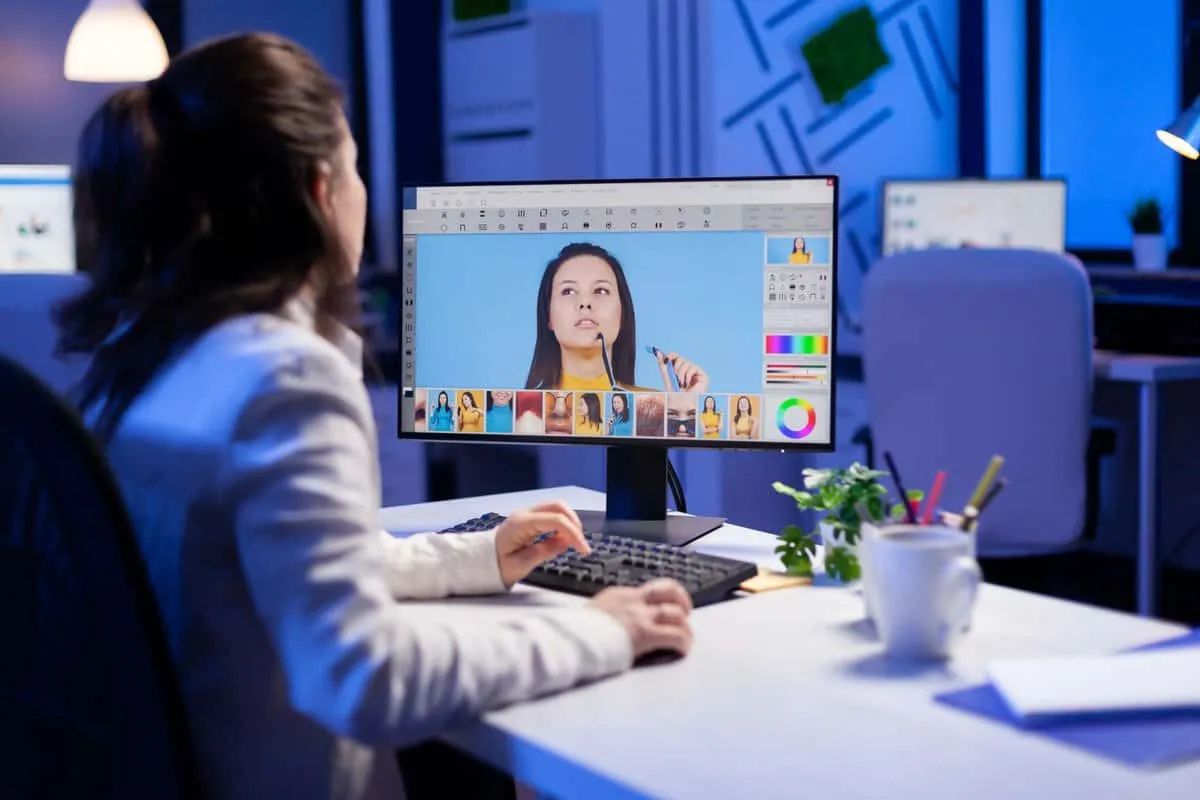
Color correction in Photoshop helps improve the overall look and mood of an image. It allows users to adjust brightness, contrast, saturation, and tone to make pictures more appealing. Sometimes photos may look dull or too bright, and color correction fixes these issues. It also helps maintain consistency across multiple images in a design project. By adjusting colors carefully, users can create a specific mood or style that fits their creative vision. This process plays a big role in making images look balanced and visually attractive.
Retouching Photos for a Clean and Professional Look
Photo retouching in Photoshop focuses on improving image quality by removing imperfections and enhancing details. This can include smoothing skin, removing spots, or fixing lighting issues. Retouching helps create clean and polished visuals that look professional. It is widely used in portrait photography, product images, and advertising. The goal is not to change reality completely but to improve visual presentation. With careful editing, photos can look more refined while still keeping their natural appearance. Retouching requires attention to detail and patience to achieve the best results.
Creating Digital Artwork with Photoshop Tools
Photoshop is not only for editing photos but also for creating digital artwork from scratch. Artists use brushes, shapes, and textures to build illustrations and creative designs. It allows complete freedom to express ideas visually. Digital artwork can range from simple sketches to detailed paintings. Photoshop provides tools that mimic traditional art techniques while adding digital flexibility. Artists can undo mistakes, experiment with styles, and refine their work easily. This makes Photoshop a favorite tool for digital illustrators and creative designers around the world.
Using Brushes for Creative Expression
Brushes in Photoshop allow users to paint, draw, and add texture to their designs. They come in different shapes and styles, giving artists full creative control. Brushes can be used for shading, highlighting, or adding artistic effects. Users can also customize brushes to create unique strokes and patterns. This flexibility makes Photoshop a powerful tool for both design and illustration. With practice, brush techniques help users develop their own creative style and improve the visual impact of their work.
Working with Text and Typography in Designs
Text plays an important role in Photoshop designs because it helps communicate messages clearly. Users can add headings, captions, and creative typography to their visuals. Photoshop allows full control over font style, size, spacing, and alignment. This helps designers match text with the overall theme of the image. Creative typography can make designs more attractive and engaging. It is often used in posters, advertisements, and social media graphics where visual communication is important.

Understanding Filters and Effects in Photoshop
Filters and effects in Photoshop help transform images by adding style and mood. They can change the look of an image instantly, making it sharper, softer, or more artistic. Effects can also create shadows, glows, and textures that enhance visual appeal. Users can experiment with different filters to find the right look for their project. These tools save time and add creativity to designs. When used carefully, filters can improve the overall quality of a visual composition.
Blending Images for Creative Compositions
Blending images in Photoshop allows users to combine multiple photos into one seamless design. This technique is often used in creative posters, advertisements, and digital artwork. It requires careful adjustment of lighting, color, and edges to make everything look natural. Blending helps create storytelling visuals where different elements work together. With practice, users can create smooth and realistic compositions that look professionally designed.
Working with Masks for Non Destructive Editing
Masks in Photoshop allow users to hide or reveal parts of an image without permanently changing it. This makes editing flexible and safe because changes can be adjusted anytime. Masks are useful when combining images or applying selective effects. They help create smooth transitions and clean edges in designs. Learning how to use masks properly improves control over editing and enhances overall design quality.
Importance of Resolution in Image Quality
Resolution plays a key role in determining how clear and sharp an image appears. High resolution images show more detail, while low resolution images may look blurry. In Photoshop, users can adjust resolution based on the purpose of the design. This is important for printing, digital display, or online use. Understanding resolution helps ensure that images look professional in every format.
Photoshop for Social Media Content Creation
Photoshop is widely used for creating social media content because it helps design attractive and engaging visuals. Users can create posts, banners, and stories that capture attention. It allows customization of colors, text, and layout to match different platforms. Social media content needs to be visually strong, and Photoshop provides the tools to achieve that. This makes it an essential tool for marketers and content creators.
Designing Marketing Materials with Photoshop
Marketing materials such as posters, flyers, and advertisements are often created using Photoshop. The tool helps combine text and images into visually appealing designs that attract audiences. Designers can experiment with layouts and effects to communicate messages effectively. Photoshop supports creativity while maintaining professional quality, making it ideal for marketing purposes.
Photoshop for Photography Enhancement
Photographers use Photoshop to enhance their images and correct imperfections. It helps improve lighting, remove unwanted objects, and adjust colors for better presentation. This enhances the overall quality of photographs and makes them suitable for professional use. Photoshop gives photographers full control over how their images appear.
Learning Photoshop Through Practice and Consistency
Learning Photoshop requires consistent practice and exploration. Users improve their skills by trying different tools and techniques regularly. Over time, they become more confident in handling complex projects. Practice helps users understand how different features work together to create professional designs. Continuous learning is key to mastering Photoshop.

Advanced Techniques in Photoshop Editing
Advanced Photoshop techniques involve combining multiple tools to create detailed and complex designs. This includes layering effects, blending modes, and precise adjustments. These techniques require experience and patience but result in high quality visuals. Advanced users can create professional level artwork and designs using these methods.
Future of Photoshop in Digital Creativity
Photoshop continues to evolve with new features and improvements that support modern creativity. It remains a leading tool in digital design and editing. As technology grows, Photoshop adapts to meet the needs of designers and artists. Its future remains strong in the creative industry.
Conclusion
Photoshop is a powerful tool that supports creativity, design, and visual storytelling. It offers endless possibilities for beginners and professionals. With practice and patience, anyone can learn to use it effectively. It transforms ideas into visual reality and continues to play a major role in digital creativity.
Frequently Asked Questions
FAQ one: What is Photoshop used for
Photoshop is used for editing images, creating designs, and enhancing photos for professional and personal use. It helps users adjust visuals and build creative artwork.
FAQ two: Is Photoshop difficult to learn
Photoshop can feel challenging at first, but it becomes easier with regular practice and simple learning steps focused on basic tools.
FAQ three: Can beginners use Photoshop
Yes, beginners can use Photoshop by starting with simple tools like cropping, brushing, and basic adjustments before moving to advanced features.
FAQ four: Why is Photoshop popular
Photoshop is popular because it offers powerful editing tools, flexibility, and professional level results for creative projects.
FAQ five: What skills are needed for Photoshop
Basic creativity, patience, and willingness to practice are enough to start learning Photoshop and gradually build advanced editing skills.
 1
1